Paying bills in Northern Cyprus (KKTC) has become much easier in recent years. Whether you are a resident, student, or tourist staying long‑term, you can now pay most of your bills online without visiting offices or waiting in queues.
In this 2026 guide, we’ll walk you through all the reliable online bill payment options in KKTC, including mobile apps, bank services, and useful tips to make the process smooth and secure.
What You Need Before Paying Bills Online
Before you start, make sure you have:
- Your customer / reference number (found on your bill)
- The exact amount due
- A credit or debit card (local or international)
- Optional: a local bank account for easier and recurring payments
Once you have these, you’re ready to pay almost any bill online.
Online Bill Payment Methods in KKTC
1. Paycell Cyprus – Fast and All‑in‑One
Paycell Cyprus is one of the most popular digital payment apps in Northern Cyprus. It allows you to pay multiple bills from your phone in just a few minutes.
You can pay:
- Electricity bills
- Water bills
- Municipality fees
- Internet bills
- Mobile and landline phone bills
How to use Paycell Cyprus:
- Download the Paycell Cyprus app on your smartphone
- Register using your mobile number, email, and ID/passport
- Select “Pay Bill” from the menu
- Choose your service provider
- Enter your customer number and confirm payment
This option is ideal if you want everything in one app and prefer mobile payments.
2. PayPoint Cyprus – Online Payment Portal
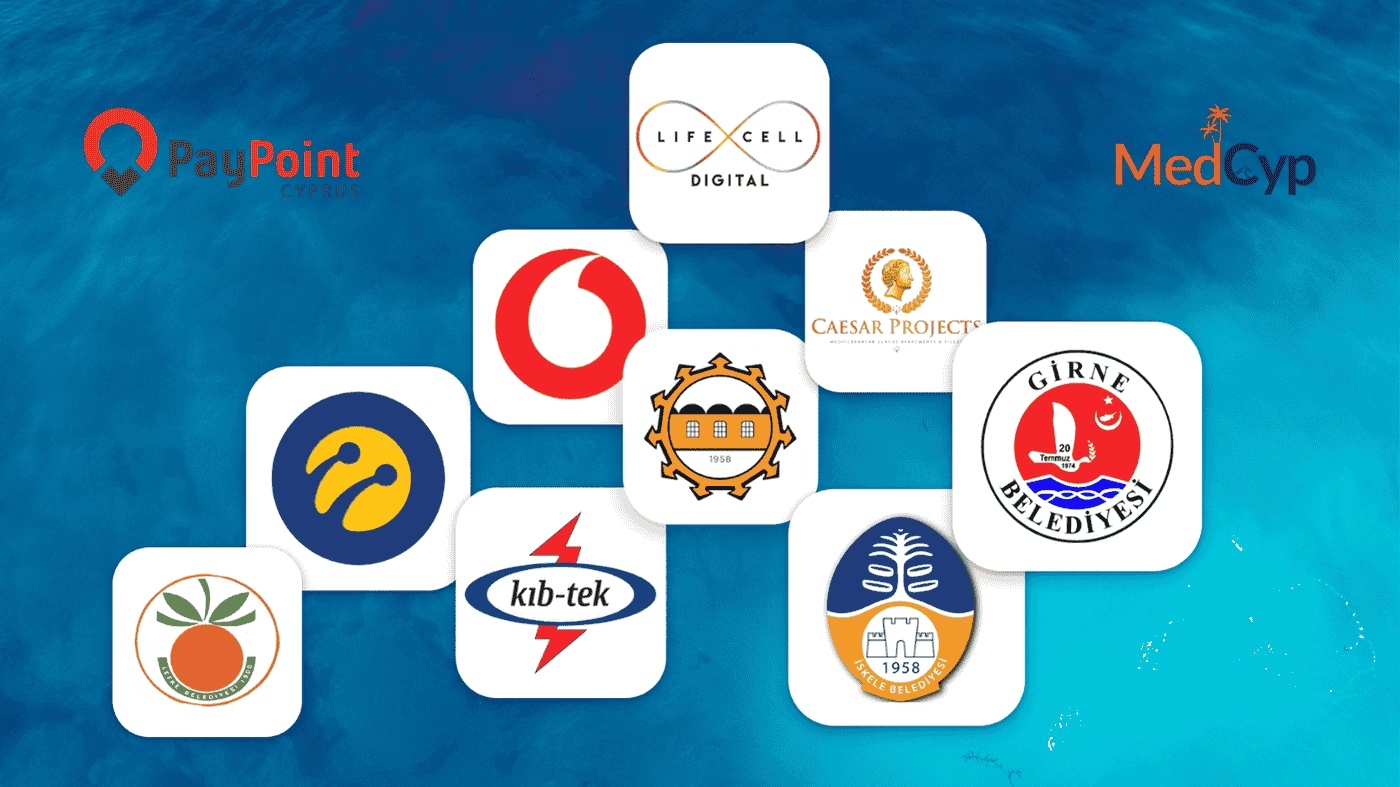
PayPoint Cyprus is a centralized online platform where you can pay most public and private utility bills using your browser or phone.
You can pay:
- Electricity
- Water
- Internet
- Phone bills
- Municipality payments
How it works:
- Create an account on the PayPoint Cyprus website
- Log in and select the bill type
- Enter your customer or reference number
- Review the bill amount
- Pay using a credit or debit card
This method is great if you don’t want to install an app and prefer paying directly online.
3. Paying Bills via Online & Mobile Banking
Most local banks in KKTC offer online and mobile banking services that support bill payments.
Common banks include:
- İş Bankası KKTC
- Ziraat Bankası KKTC
- KT Bank
- Lefkoşa Turkish Bank
- Fibank KKTC
How to pay using online banking:
- Log in to your bank’s mobile app or website
- Go to Bill Payments or Payments & Transfers
- Select the service provider
- Enter your reference number and amount
- Confirm the payment
Many banks also allow you to save bills or set up automatic monthly payments, which is perfect if you don’t want to worry about deadlines.
Tips for Safe and Easy Online Bill Payments
- Pay early: Avoid last‑minute payments to prevent late fees
- Save receipts: Always keep a screenshot or confirmation number
- Use secure internet: Avoid public Wi‑Fi when making payments
- Check card compatibility: Visa and Mastercard work best
- Enable notifications: Many apps notify you when bills are due
Frequently Asked Questions
Can foreigners pay bills online in KKTC?
Yes. As long as you have a valid customer number and a supported payment card, foreigners and students can easily pay bills online.
Where can I find my customer or reference number?
Your customer number is printed on your paper bill or included in your email bill. It may be labeled as Account Number, Reference Number, or Customer ID.
Can I set up automatic bill payments?
Yes. Most local banks in Northern Cyprus offer automatic bill payment options through their mobile or online banking systems.
Final Thoughts
Online bill payment in KKTC (Northern Cyprus) is now simple, fast, and secure. Whether you use Paycell, PayPoint, or online banking, you can manage your bills without stress and save valuable time.
If you live in or are planning to move to Northern Cyprus, setting up online bill payments is one of the easiest ways to make daily life more convenient.
For more practical guides about living, studying, and traveling in Northern Cyprus, explore our latest articles on MedCyp.